

In this page
Content view analytics
The Content view analytics quick action opens the list of view events on this page. Use it to understand how much a page is actually being read.
How to use
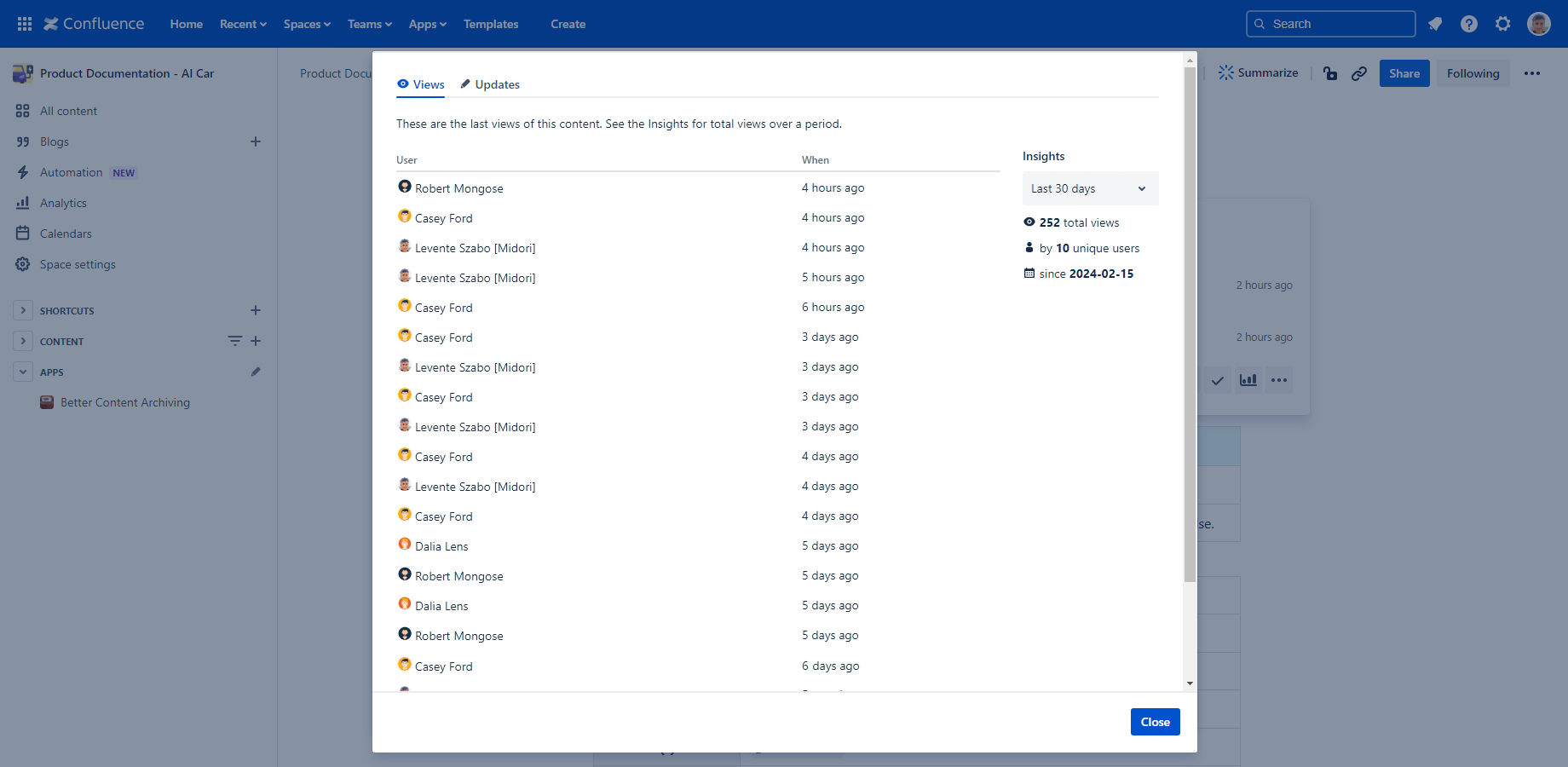
Its icon appears when hovering over the "Last view" value in the Content Status Indicator.
These events are tracked by the app itself, not by Confluence Analytics, so only events since the app was installed are listed. Unlike Confluence Analytics, this is supported on all Confluence plans, including Free.
The list, and especially the Insights panel, help you understand the activity level on this content. The Insights panel shows aggregated statistics (count of events and users) for a period you select from the dropdown. Changing the period only affects the Insights panel, it does not filter the table of events.
Content update analytics
The Content update analytics quick action opens the list of update events on this page. Use it to understand how actively a page is being maintained.
How to use
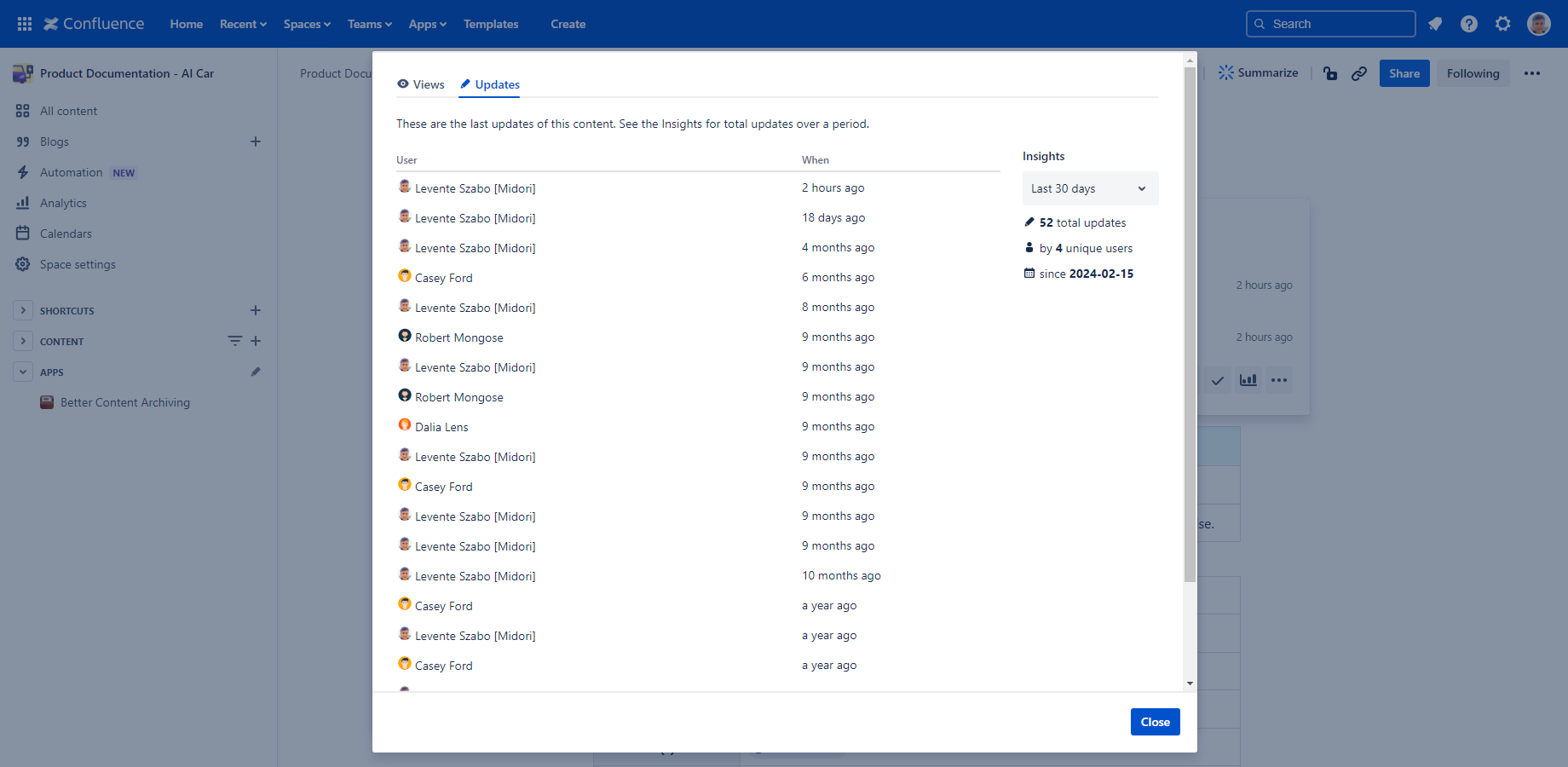
Everything said about Content view analytics above applies here too, just for update events instead of view events.
Questions?
Ask us any time.