

In this page
Update
The Update quick action opens the page for editing (in the built-in editor). It is really just a convenience shortcut for the standard Confluence edit action, offered in the right context, so you don't have to manually navigate to the page to start editing it. Use it for pages that became expired because they haven't been updated for a long period and actually require an update.
How to use
Its icon appears at the bottom of the Content Status Indicator.
After saving your changes, the page receives a new last update date. As a consequence, the expiration period restarts (if your content status scheme uses the last update date to track expiration of contents).
Confirm
The Confirm quick action confirms that the content of the page is still up-to-date and there is no need for an update. Use it for pages that became expired because they haven't been updated for a long period, but don't require an actual update, because their content is still current.
How to use
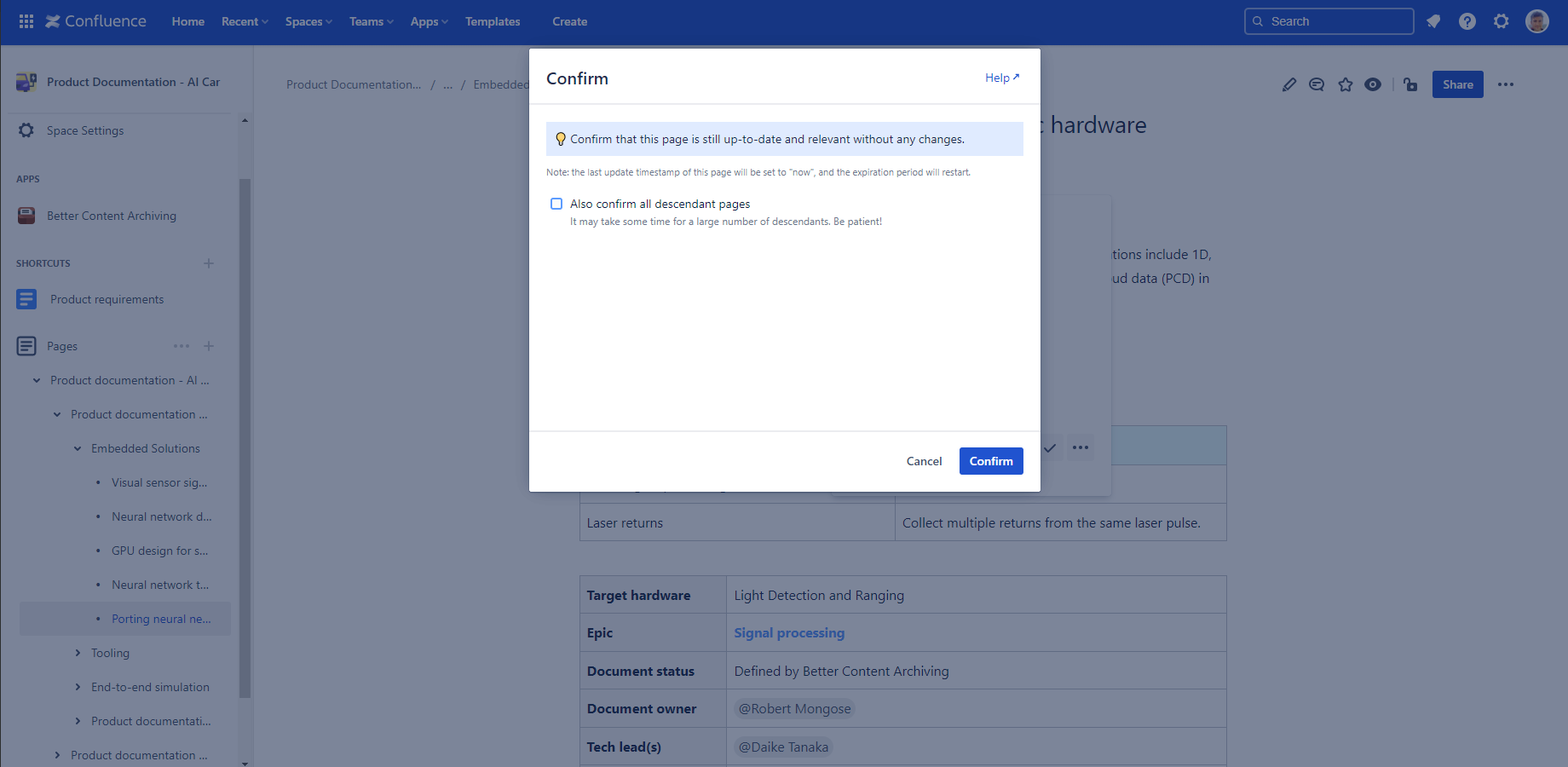
Its icon appears at the bottom of the Content Status Indicator.
As the page receives a new last update date, the expiration period restarts (if your content status scheme uses the last update date to track expiration of contents).
Under the hood
Update and Confirm both update the following CQL fields:
- arch.event.lastUpdatedOn
- arch.event.lastUpdatedBy
Questions?
Ask us any time.